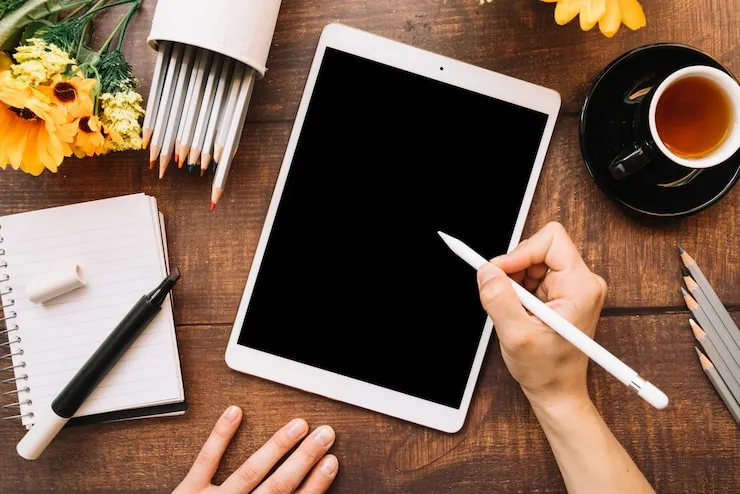
So, you just got the new iPad with the A16 chip—congratulations! That is a fantastic piece of tech. But if you are like me, you know that an iPad really shines when you have a pencil to go with it. Whether you want to take notes in class, sketch out a quick idea, or just circle things in a PDF, a stylus is a game-changer.
After hours of research and testing with my own iPad A16, I am here to help you figure out what the best Apple Pencil for the iPad A16 is. The short answer? It is a tie between the Apple Pencil (USB-C) and the Apple Pencil (1st Generation), depending on how much you want to spend and what features you need.
But there is a catch with that 1st Gen one! And maybe, just maybe, you don't need an Apple-branded pencil at all. You should know all of what I learned so that you are able to make a perfect choice without wasting your money.
Why Your iPad A16 is a Little Different
We have to discuss your iPad before we discuss the pencils. The A16 version of the iPad is terrific, as it has made everything simple and cheap. However, since it is the entry-level iPad, it operates by slightly different rules as compared to the fancy iPad Pro models.
The biggest thing I noticed? It lacks the magnetic charging of the Apple Pencil Pro or the Apple Pencil (2nd Generation), which is very costly. One cannot simply swipe a pencil along the iPad A16 to wirelessly charge it. Bummer, right? Nevertheless, it is okay; there are two really good solutions that are done by Apple.
The Main Event: Two Apple Pencils That Work
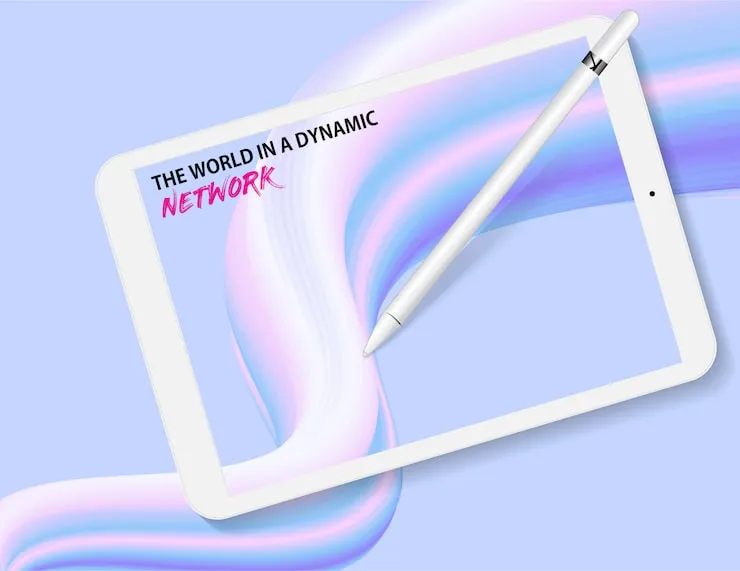
The genius in the Apple Store verified to me what I had found online when I visited the Apple Store to find this out. There are two legitimate courses open to you. It would be nice to deconstruct them in a way that people can grasp.
You may also read :- Finding the Best iPhone Cases for Protection
Apple Pencil (USB-C): My Top Pick for Most People
Well, I would point at this first out of the things to buy. It is the Goldilocks of pencils—it is just it. The last model is the Apple Pencil (USB-C), which is comfortable in my hand. It also has a flat side, meaning it will not roll off my desk (I have lost so many pens in this manner!). It is also a magnetic stick-on for my iPad A16 so that I can store it on the side, and it is a very handy tool.
How does it charge?
It is not wirelessly chargeable on the iPad, and therefore, it has a secret USB-C port covered by a sliding cover. All you need to do is to insert a USB-C cable (the one you use to charge your iPad) on the pencil. I like this since I do not have to carry any additional strange cables. It is simple.
Why I like it for drawing and writing:
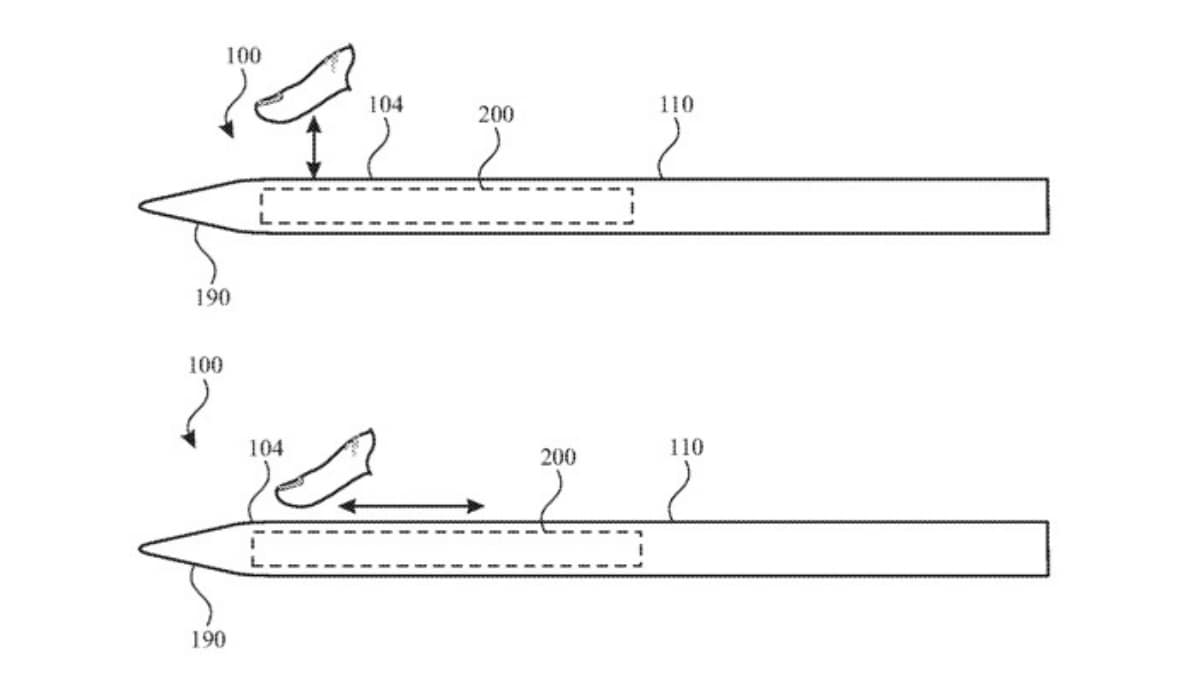
I tried this when I made notes during a meeting, and I was appalled. It has low latency, which is a fancy term that means that the words were presented on the screen immediately. There was no lag. It also has tilt sensitivity. It really worked when I tilted the pencil in order to shade in a square as I would have done with real lead. It was aware of my darkening and darkened the line.
Apple Pencil (1st Generation): The Classic Choice with a Twist
This is now the pencil that has been here forever. The Apple Pencil (1st Generation) is a tank. It is trustworthy, and it can do what the USB-C version is unable to do.
The Superpower: Pressure Sensitivity
If you are an artist, listen up. The 1st Gen Pencil is pressure sensitive. This implies that if you press hard, then you get a thick dark line. When pressed slightly, it gives a thin and weak line. In the case of the USB-C pencil, to switch the appearance, you need to tilt it. In drawing, the ability to press down is usually more significant.
The Weird Part: The Adapter
The following is the point that nearly fooled me. This is an old-school Lightning plug used to charge this pencil. Your new iPad A16 uses USB-C. They don't fit together!
Fortunately, the box contains a dongle (a piece of equipment) provided by Apple. You use the Lightning plug of the pencil and insert it into this adapter, then use a USB-C cable and insert it into the adapter and then into the iPad. It is effective, and, frankly, it is somewhat awkward, and one can easily misplace that small plug.
| Feature | Apple Pencil (USB-C) | Apple Pencil (1st Gen) |
|---|---|---|
| Price | Mid-range (Around $109) | Budget-friendly (Around $129) |
| Charging | USB-C Cable (Sliding cap) | Lightning Cable (Needs Adapter) |
| Sensitivity | Tilt Sensitivity | Tilt + Pressure Sensitivity |
| Magnetic Storage | Yes (Sticks to side) | No (Round body, separate cap) |
| Best For | Students, Note-Takers | Artists, Heavy Sketchers |
Should You Look at Third-Party or "Alternative" Pens?
This is a question that I am always asked. Official Apple pencils are wonderful; however, they are very expensive. Tons of other pens are available under the name Apple Pencil alternatives. I tried one of them that was the famous Westone Pencil X to determine whether it could compete.
The Good Things About Alternatives
I was honestly surprised. The fine ones, such as the Westone, are really well made. They are of good weight, neither too heavy nor too light. They also attach magnetically to the iPad to be stored, and this is an aspect that I like.
Writing Feel:
In my experience writing with it, the POM pen tip was smooth with only slight resistance bearing an impression of grip, therefore not like writing on glass. It also has palm rejection. When writing, I was able to place my entire hand on the screen, and it was able to feel the pen and not my hand. That is super important.
Where They Fall Short
When I attempted to draw, however, I felt it was different. The other pens tend to have palm rejection and tilt sensitivity but hardly ever have the pressure sensitivity found in the Apple Pencil (1st Gen). Thus, in case you are merely taking notes, you save a lot of money with a third-party stylus. But you will not have that press-hard, line-dark quality of drawing when you are drawing.
Expert Opinion: I spoke with my friend Sarah, a graphic designer who uses her iPad every day. She told me, "Look, for 90% of people, a good alternative pen is fine. But the day I tried to draw a portrait with a cheap pen and couldn't get the fine lines right, I realized the Apple Pencil is worth it for the pressure sensitivity. It’s not just a pen; it’s a tool."
How to Pick: Making the Right Choice for You
Okay, let's simplify this. We have three main options. This is the way I deconstruct it in my mind.
If You Are a Student or Note-Taker: Get the Apple Pencil (USB-C)
The bottom line is that when you are mostly typing letters, solving mathematical problems, or underlining PDFs, it is a waste of time. Get the Apple Pencil (USB-C). The USB-C charging is very convenient since it requires the same cable as the iPad. You will not miss the pressure-sensitive writing. It is the latest and most convenient option of the iPad A16.
If You Are an Artist or Designer: Get the Apple Pencil (1st Gen)
You must have the pressure sensitivity in case you want to draw, sketch, or paint. You must get the Apple Pencil (1st generation). Yes, a situation of charging with the adapter is slightly irritating. Yet in the case of art, you, by the virtue of that additional mastery over your lines, have a reward in the little added trouble. Simply attach the adapter to your keychain, and you are not going to lose it!
If You Are on a Tight Budget: Look for a Quality Alternative
Perhaps you have recently acquired the iPad, and your wallet is screaming. I get it. In that regard, a highly rated alternative such as the Westune Pencil X proves to be a savior. A half-price Apple Pencil can often be found. All you need to do is to make sure that the one you purchase has explicitly stated that it has palm rejection and tilt sensitivity. It will address 90 percent of your note-taking needs flawlessly.
Common Questions I Had (and You Might Too)
There were a few perplexing aspects to all this that I ran into. The responses to the big questions are as follows.
Does the Apple Pencil Pro support my iPad A16?
No. I know, the name is confusing. Apple Pencil Pro is amazing; however, it can only be used with iPad Pro and iPad Air, which have the M2 chip. It also uses a special magnetic connector, which the iPad A16 lacks. That is why you should not buy the Pro and save your money.
Is the adapter difficult to use with the 1st Gen Pencil?
It’s not hard, but it is extra. I opened the box, and I saw the pencil and then another small box containing the USB-C to Apple Pencil adapter. One end of the pencil is inserted in the small end and the other side of the USB-C into the big end. This is safe; however, it is an extra item to track.
What does "palm rejection" mean?
This was the most significant aspect that I was concerned with. Palm rejection refers to the fact that you are able to put your hand flat on the iPad screen as you write. Without this on a pencil, your hand would make strange marks everywhere on the screen when you were attempting to write. Apple or other pencils all discussed today have this feature. It is a must-have.
My Final Advice
This is my conclusion after all this time of trial and error. Don't overthink it. Visit a shop if you can and feel the two Apple pencils. The USB-C one is a little more contemporary with its flat edge. The 1st Gen is circular-shaped like an ordinary pencil.
In my case, I chose to use the Apple Pencil (USB-C) since I am a writer and not an artist. It is simply too good to miss out on the fact that it is more convenient to charge it using the same cable as my iPad. It really seems to be the most suitable and best Apple Pencil for the iPad A16 that I use in my lifestyle.
But perhaps you like to draw, and then you know what you can do. Take that 1st gen and that small adapter and begin creating!
And enjoy your new iPad system; good luck.