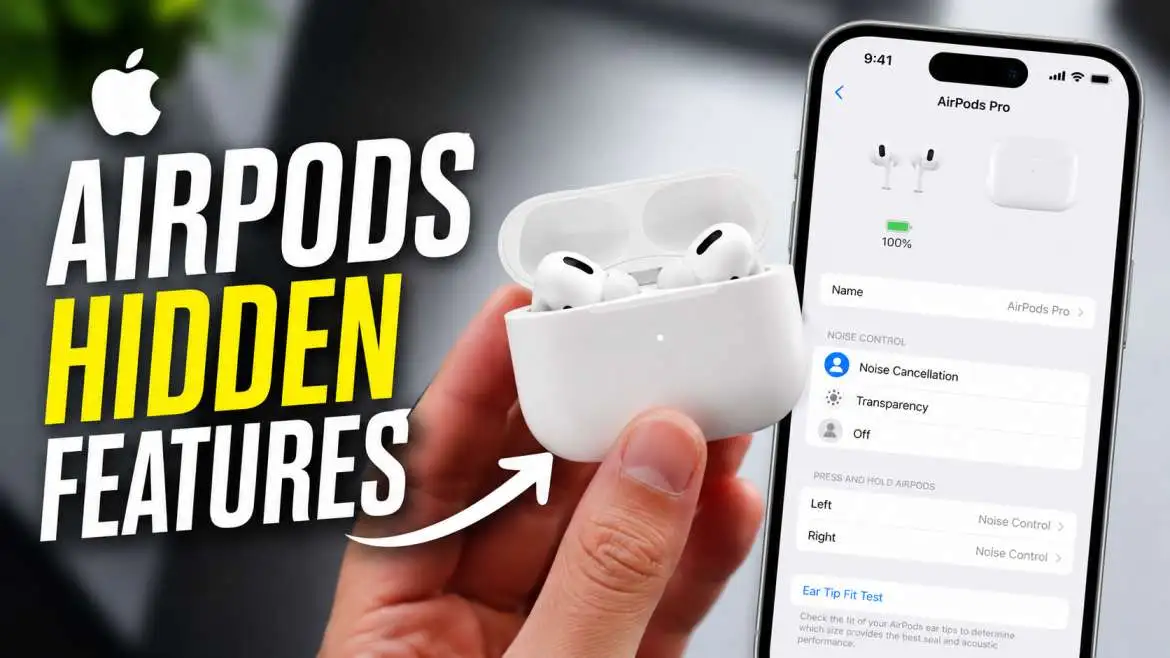
Your Apple AirPods do way more than play music. They come packed with smart tools that many people never find. From pausing music when you fall asleep to using head gestures to answer calls, these features make your earbuds much more useful. This guide reveals the best apple airpods hidden features that will change how you use them every day.
Your AirPods Can Pause Music When You Fall Asleep
This is one of the coolest apple airpods hidden features that Apple added recently. When you turn this on, your AirPods will know you fell asleep. They will then pause your music or podcast automatically .
How to Find Sleep Detection
This is simple to set up. Just go to your iPhone Settings. Tap on your AirPods name. Scroll all the way down. You will see an option called "Paused Media When Falling Asleep" . Turn it on.
Why This Feature Is So Useful
This saves battery life. It also keeps your place in an audiobook. And it will not wake you up with loud noise. This apple airpods hidden features list would not be complete without this sleep gem. It works on AirPods Pro (2nd gen), AirPods Pro 3, and AirPods 4 .
You may also read :- Apple HomePod Mini Reviews: Is It Worth It in 2025?
Head Gestures Let You Control Calls Without Touching
Did you know your AirPods can see your head moves? This is a very cool airpods features and functionality that makes life easier.
Nod or Shake Your Head
When Siri tells you about a call, you can just nod your head up and down to answer. Shake your head side to side to decline the call . This is great when your hands are full.
How This Works
The H2 chip inside the new AirPods powers this. It uses motion sensors to understand your head movement. This is one of the best apple airpods hidden features for busy people.
The Hidden Button on AirPods 4 Case
Apple changed how you pair your AirPods. The old physical button on the back is gone. Now there is a hidden button you cannot see .
How to Pair AirPods 4
Open the case. Look at the front where the small light is. Double-tap right on that light. This starts the pairing mode . This is a key AirPod 4 hidden features that many people miss.
How to Reset the AirPods 4
If you have trouble, you can reset them. Triple-tap the hidden button. Or press and hold it for about 15 seconds . This is important to know if you sell your earbuds or fix connection issues.
Customize Adaptive Audio to Your Liking
Adaptive Audio is a smart mode. It mixes noise cancellation and Transparency mode. It changes based on where you are .
What Is Adaptive Audio?
This mode automatically finds the perfect balance. It blocks out loud noises like a train. But it lets in important sounds like a friend talking. It is one of the smartest apple airpods hidden features for daily use.
How to Adjust the Setting
You can change how it works. Open Settings on your iPhone. Select your AirPods. Tap "Adaptive Audio." You will see a slider. Move it to "Less Noise" or "More Noise" to control how much sound comes in . This is only on AirPods with the H2 chip, like AirPods 4 with ANC.
The Missing Pairing Button on AirPods 4
One of the biggest changes is the AirPods 4 case. It has no physical button. This is a big shift from older models.
What Happened to the Button?
Apple hid the button under the status light. You do not see it, but it is there . This change makes the case look cleaner.
How to Use the New Pairing
To connect to a new device, just open the case. Then double-tap near the front light. This works for connecting to iPhones, Android phones, or computers .
Conversation Awareness Changes How You Talk to People
This feature is amazing. It knows when you start talking. It then lowers the volume of your music. It also lets in outside sounds .
How It Works
The H2 chip uses microphones to detect your voice. The moment you speak, the music gets quiet. You can chat without taking out your earbuds. This is a perfect example of advanced airpods features and functionality.
Where to Find It
This is on the AirPods 4 with ANC. You can turn it on or off in your AirPods settings. It makes switching between listening and talking very smooth.
More Useful Apple AirPods Hidden Features
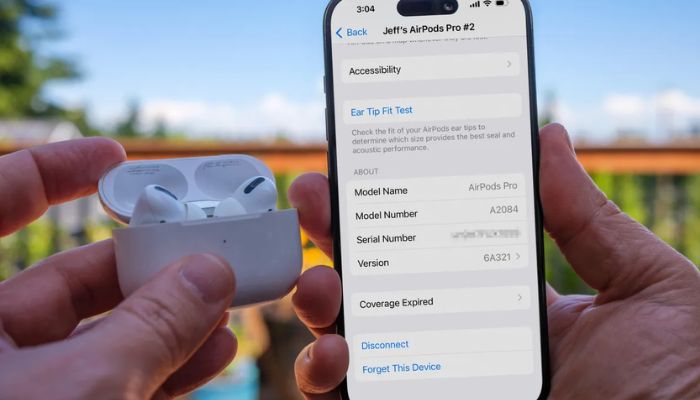
Here are some other cool tricks. These add to the many apple airpods hidden features you can use.
Live Translation on AirPods Pro 3
AirPods Pro 3 have a special feature. You can press and hold both stems at the same time. This starts Live Translation. It helps you talk to people in other languages .
Camera Remote
Did you know you can take a photo with your AirPods? Open the Camera app. Then press the stem on your AirPod. It takes a picture. This is great for group shots .
Volume Control on the Stem
You do not need your phone to change the volume. On AirPods Pro 3, just swipe up or down on the stem. This is much faster than pulling out your phone .
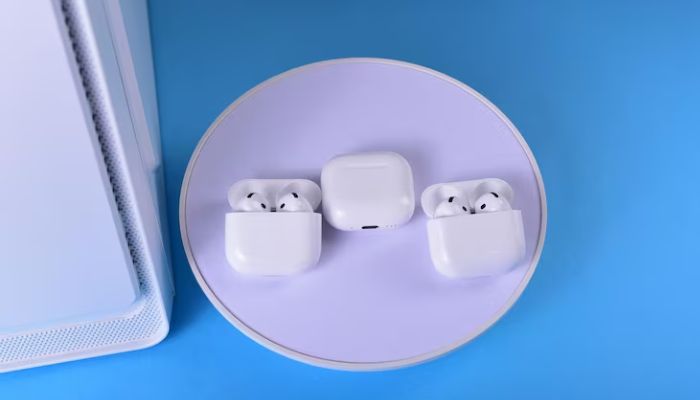
Which Is Better Apple AirPods 3 or 4?
Many people ask this question. Let me help you decide. This comparison highlights the main differences.
AirPods 4 Are the Clear Winner
The AirPods 4 are better in almost every way. They have the new H2 chip. This gives better sound quality. They also have Bluetooth 5.3 for a stronger connection .
The Case for AirPods 3
The AirPods 3 have better battery life. They last up to 6 hours on a single charge. The AirPods 4 only last 5 hours . They are also cheaper now that they are older.
The Main Differences
The biggest change is the AirPods 4 with ANC. This model has active noise cancellation. The AirPods 3 do not have this at all . The AirPods 4 also have dust resistance (IP54). The AirPods 3 only have sweat resistance (IPX4) .
Sound and Features Compared
Chip and Technology
The AirPods 4 have the H2 chip. This is much faster than the H1 chip in AirPods 3. It makes features like Siri Interactions and Adaptive Audio possible .
Noise Cancellation
This is simple. The AirPods 4 with ANC have it. The AirPods 3 do not. It is a huge upgrade if you travel or work in loud places .
Battery Life and Charging
The AirPods 3 win on battery life at 6 hours. But the AirPods 4 with ANC have better charging options. You can charge it with an Apple Watch charger . Both cases give up to 30 hours of total charge.
Should You Upgrade?
Why to Buy AirPods 4
The AirPods 4 are a big step forward. You get better sound, a better fit, and more smart features. The ANC model is a game-changer for open-ear earbuds .
Why to Keep AirPods 3
If your current AirPods 3 work fine, you might not need to upgrade. You might not want to lose that 1 hour of battery life. They are still great earbuds.
The Final Verdict
For most people, the AirPods 4 with ANC are the best choice. The noise cancellation alone is worth the money. It is one of the best upgrades Apple has made.
Expert Tips for Using Your AirPods
Here are some tips from daily users and experts. This will help you get the most out of your earbuds.
Keep Your Firmware Updated
Your AirPods get better over time. Apple adds new features with updates. Keep them connected to your phone. They will update on their own .
Use the Hearing Features for Health
AirPods Pro models can test your hearing. They can even act as hearing aids. This is a very important health tool. It is one of the most valuable apple airpods hidden features .
Check Your Headphone Audio Levels
You can check if your music is too loud. Go to Control Center and tap the Hearing icon. It will show you the decibel level. A green check means it is safe .
Conclusion
Your Apple AirPods are some of the smartest earbuds on the market. The apple airpods hidden features in this guide will help you use them better. Whether you have the new AirPods 4 or the AirPods Pro 3, there are many tools to explore. Try these tips today and get more value from your earbuds. The H2 chip makes these features fast and smooth. You will wonder how you lived without them.
FAQ
What are the hidden features of AirPods 4?
AirPods 4 hidden features include a hidden pairing button on the case. To use it, double-tap the front status light . They also have Siri Interactions. You can nod or shake your head to answer calls .
How do you customize Adaptive Audio on AirPods?
Open Settings on your iPhone. Select your AirPods from the list. Tap "Adaptive Audio." Here you can use the slider. Slide to "More Noise" or "Less Noise" to change how much sound gets in .
Which is better, Apple AirPods 3 or 4?
The AirPods 4 are better overall. They have the newer H2 chip, better sound, and a more comfortable fit. The model with ANC gives you noise cancellation that the AirPods 3 lack .
Can AirPods detect when you fall asleep?
Yes, this is a new apple airpods hidden features. Go to Settings, then your AirPods. Turn on "Paused Media When Falling Asleep." It will stop your music when it thinks you are asleep .
How do you use head gestures on AirPods?
This is very simple. When Siri tells you about a call, nod your head to answer. Shake your head to decline the call . You must have the H2 chip for this to work.