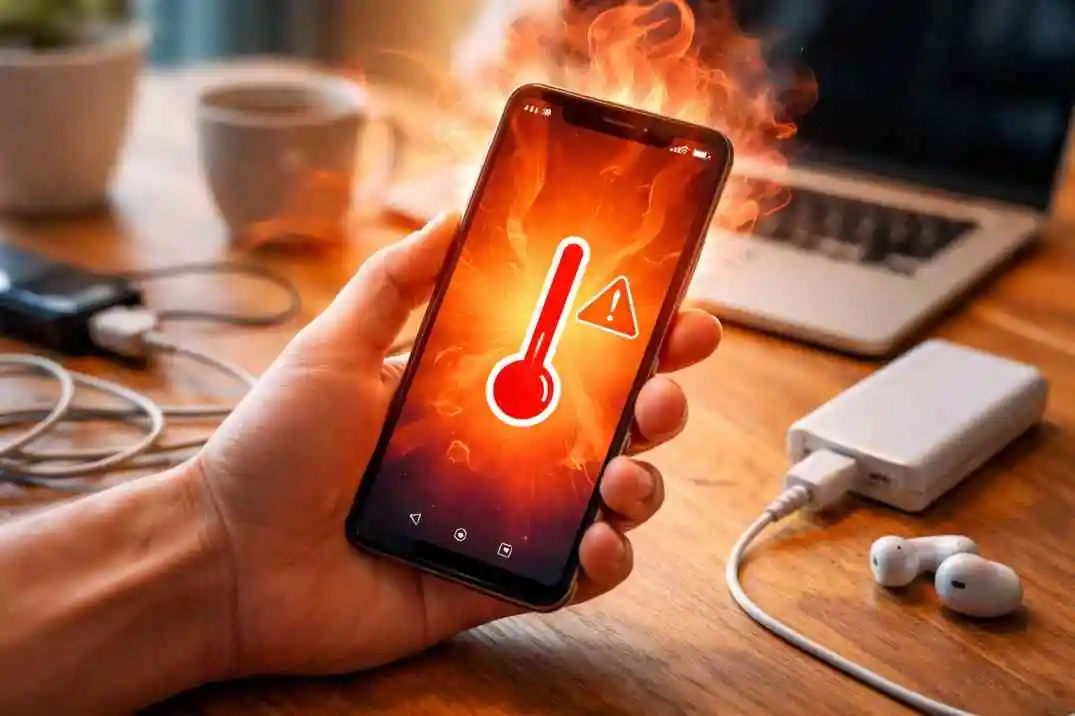
Mobile heating problems hit everyone these days. You play PUBG for one hour, and your phone turns hot like a tawa. Or charge overnight and feel warmth from the pocket the next morning. I faced the same last month with my Samsung. Held a call for 30 minutes straight; the back panel burned my fingers. A common issue in summers when humidity mixes with fast charging. Android or iPhone, both suffer, but fixes stay simple if you know the steps.
Good news—no need for a service center trip always. Most times settings change or a habit shift cools it down. Let me walk through what I tried and what works for friends too. Follow these to fix the mobile heating problem right now.
Why Your Phone Heats Up So Much
Phone generates heat when parts work hard. The processor chip runs fast during games or video edits. The screen stays bright all day and eats battery quick. Background apps run silently, like Facebook refresh or WhatsApp ping. A faulty charger pushes extra power during a night charge.
The battery ages after two years of use. Old cells lose cooling capacity, so they warm up easily. Dust blocks small vents inside the body. Summer heat in India worsens all of it. My OnePlus heated badly until I cleaned the speaker holes with a soft brush. Cheap covers trap warmth too—thick plastic cases feel like an oven.
Gaming phones like Poco heat up normally during BGMI matches. But if rest time is also hot, check for a cable or software glitch. Understand the cause first, then the fix stays easy.
Immediate Steps to Cool Down an Overheating Phone
Phone too hot to touch? Act fast before the battery drops dead. First move—turn off device fully. Press the power button for a long time to slide to shut down. Let it sit for 20 minutes on a plain table away from the sun. No fan direct or fridge trip—water drops kill it.
Remove the cover slowly if it's plastic or silicon. Metal cases conduct heat worse. Wipe back with a dry cloth. Background killer next—open recent apps and swipe to close them all. The gaming app left open heats up double.
Move to shade if outside the market. Stop charging immediately if plugged in. Loose cable sparks heat. My friend Raj charged his laptop with a port—phone boiled—till he changed the wire. These steps drop the temperature 10 degrees in 15 minutes, sure.
Fix the Mobile Heating Problems in Android Phones
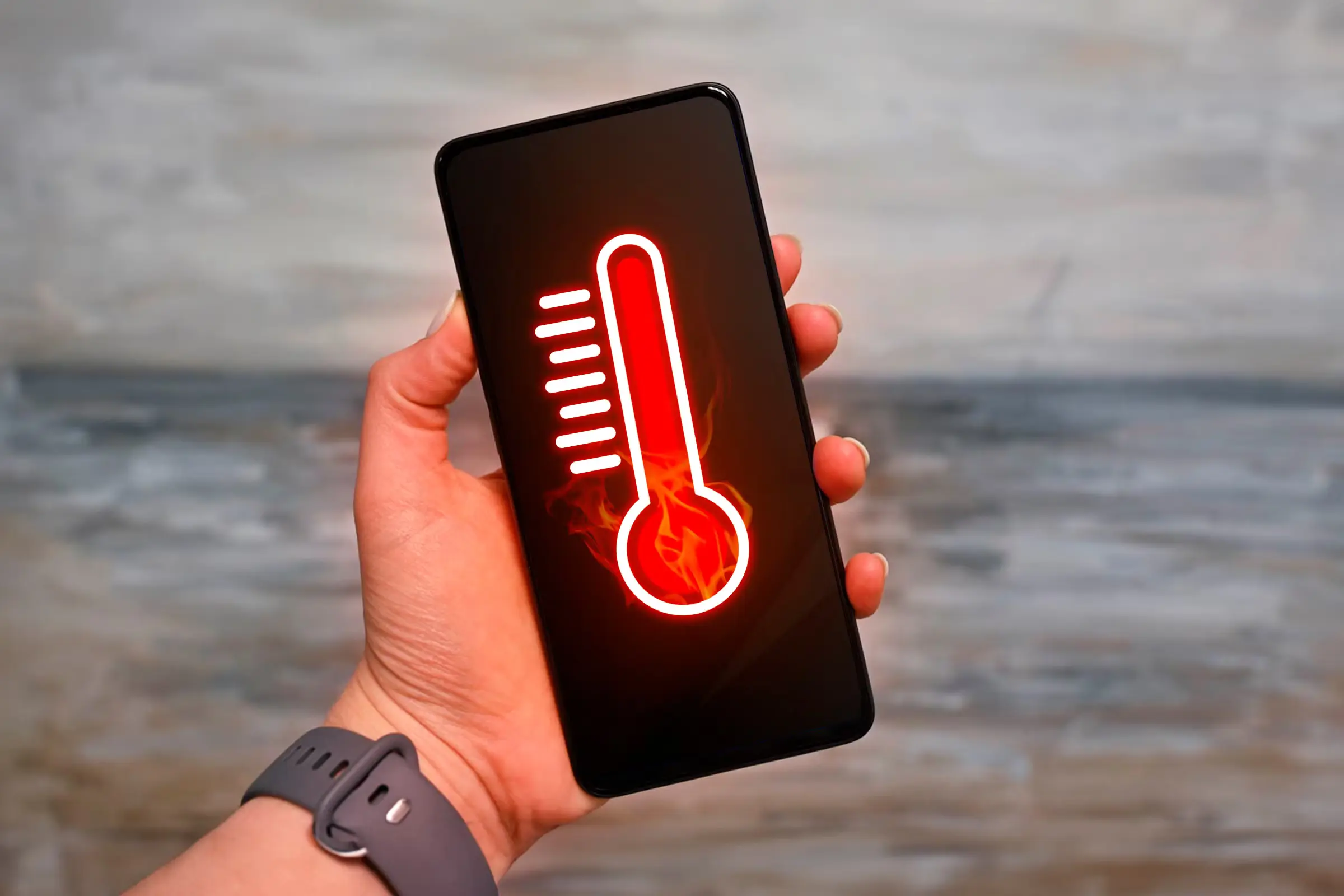
Android gives more control than iPhone for heat fixes. Samsung, OnePlus, and Vivo all follow the same. Open settings and go to the battery section. Tap battery usage—see which app eats the most. Facebook or Instagram tops the list always. Force stop heavy ones.
The developer option unlocks power tricks. Go to your phone, and tap the build number 7 times fast. Now the developer menu shows. Turn limit background apps to 2-3 only. Animation scale cut to 0.5x—phone runs light and smooth.
Clear cache, big saver. Settings, apps, storage, clear cache, all. Not data—saves login. My Poco M4 heated gaming till the weekly cache clean. Charge 20-80 percent only; a slow charger is best. Fast 33W spikes heat double.
MIUI phones like Redmi have extra options—a security app, boost speed, and clean junk. Xiaomi heat drops fast after. The Android 14 update fixed many bugs too—check the system update first, always.
How to Fix Mobile Heating Problems for iPhone Users
iPhones heat differently because of the closed system. Less tweak power, but smart steps work. Swipe down the control center and tap low power mode on. Limits background refresh significantly. Screen brightness dragged halfway down. Settings, battery—see battery health. Below 85 percent means change time is near. Low power mode auto turns sometimes—keep it. Analytics data off next—privacy and battery saver. Settings, privacy, analytics, and sharing are off.
Restarting the iPhone: The old trick is still the best. Press volume up and down and hold the side button till the logo. Clears RAM heat. Use an official Apple charger only—fake ones burn battery fast. iOS 18 fixed gaming heat for iPhone 15 users last month. iPhone users complain summer is the worst. Keep the naked case during the charge. Airplane mode for 30 minutes drops temp, sure.
Software and Settings Fixes to Prevent Mobile Overheating
Software bugs cause 40 percent heat issues. Update the OS first—Android 15 or iOS 18 patches fix processor leaks. Google Play or the App Store checks updates for all apps too. The old PUBG version heats badly. Dark mode saves power big. Settings display: dark theme on. Battery saver mode schedules sunset to sunrise. Android extra—adaptive brightness off, stay manual half-bright.
Location off unless maps are running. WhatsApp call eats GPS heat. App permissions are tight—camera and mic access are the only needed ones. A factory reset is the last hope—back up first to Google Drive or iCloud. My Samsung S23 heated on calls till the brightness limit was set. Night mode now stays cool the full day.
- Update phone OS first - Android 15 or iOS 18 patches fix heat bugs from old versions.
- Turn dark mode on in display settings—saves battery power on OLED screens during night use.
- Set battery saver mode to auto sunset to sunrise—cuts background work when you sleep.
- Turn adaptive brightness off—keeping it manual and half bright stops screen drain and heat.
- Go to settings > battery usage—force stop the top 3 apps like Facebook that run silently.
- Android only—open developer options, tap build number 7 times, and limit background to 2 apps max.
- Clear the cache weekly from settings apps' storage—old files build heat and slow the phone.
- Turn location off unless Google Maps is running—GPS eats the processor badly during WhatsApp calls.
- iPhone users—settings, privacy, and analytics data off stops Apple tracking health.
- Restart phone every Sunday night—clears RAM memory leaks that warm up slowly.
Prevention Tips to Stop Heating Before Start
Buy thin case vent holes back. Thick wallet cases trap heat badly. The original charger's slow speed is best. Night charge-off is an 80 percent habit. Use a wireless pad; it's cool but slow, okay?
Charge the cool room, not the bedsheet trap. Gaming break every 20 minutes, 5 min off. Case off during long video calls. Clean ports with dust monthly using a soft brush. Battery apps are false—uninstall. Summer keep shade pouch. Humidity kills batteries slowly. Update monthly, restart weekly. Prevention beats cure always.
Quick Comparison: Android vs. iPhone Heat Fixes
Problem Area: Android Fix iPhone Fix Background Apps Developer limit: 2 apps Low power mode on charging Heat-slow charger 10W O Official cable only Gaming Heat Animation scale 0.5x airplane + low power Software bug cache clear weekly. Full restart trick
Android gives deep control; iPhone simple toggles work fast. Both need original parts for a long life.
Conclusion
How to fix mobile heating problems stays simple once you know real steps. Start with immediate cooling, like taking the case off and closing apps during Delhi's summer heat. Android users dig deep with developer options, while iPhone's low power mode saves quickly. Make prevention tips a daily habit—slow charge and weekly cleaning keep your phone cool in your pocket all year. Your Samsung or iPhone lasts longer without service trips. Try one fix today and feel the difference by evening.
FAQ
1. Does the phone heat up normally during a PUBG game?
No, touching warmth is okay for 30 minutes max. "Burning hot" means background apps or fast charge—fix the mobile heating problem with the animation scale cut first.
2. How to fix mobile heating problems in Android the fast way?
Clear the cache for all apps and limit background processes to 2 in the developer menu. Case off gaming drops temp 10 degrees sure next match.
3. Does the iPhone heat less than Samsung models?
Both heat up the same gaming heavily. How to fix the mobile heating problem: the iPhone needs low power mode on and the restart trick daily.
4. Bad charger: the main heating cause?
Yes, 70 percent of cases. Switch to a slow, original cable—the phone stays cool and charges fully at night safely.
5. Do prevention tips work long-term?
Dust clean monthly, and brightness half keeps heat at zero. Follow these steps to stop problems before starting always.