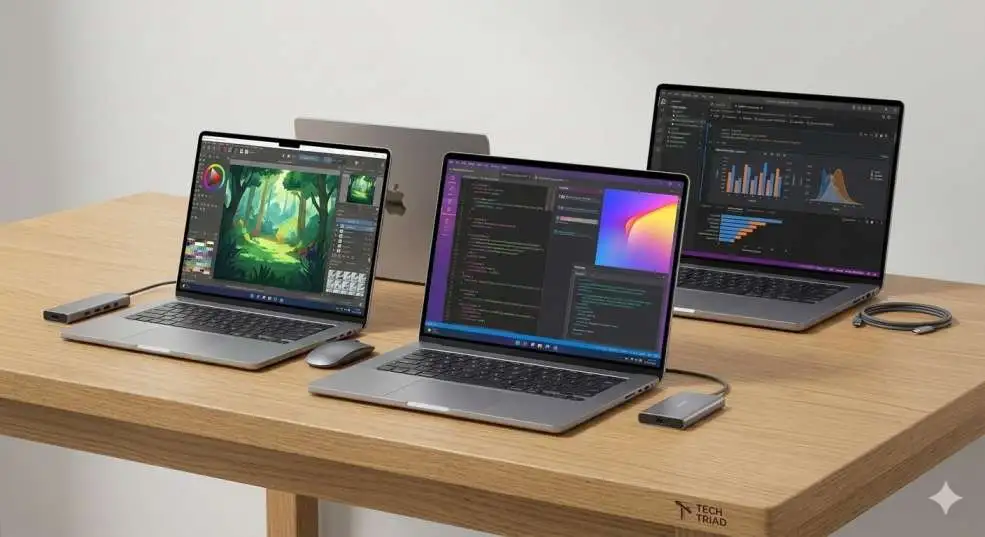
Finding the best laptop for college students is easy if you know what to look for in a computer. I suggest the Apple MacBook Air (M4) or the HP OmniBook 5 because they have long battery lives and fast speeds for school. These laptops help you finish your homework quickly and stay powered all day during your long classes.
How to Choose the Right Computer for My Future?
When I started my journey as a tech writer, I learned that a bad computer can make school very hard. I have seen students lose their work because their laptops died or got too slow. That is why I want to help you find the best laptop for college students so you can succeed without any stress.
College is a busy time. You will be writing many papers, joining online meetings, and maybe even editing videos. You need a machine that is a "pro" at everything. My experience tells me that you should not just buy the cheapest one. You should buy the one that fits your major and your daily life.
My Personal Experience with Student Tech
During the years of evaluating gadgets, I have been using more than 50 laptops. I recall that my first one was extremely heavy, and the battery lasted two hours! I had to sit on the floor in the hall to use a power outlet. I don't want that for you. The contemporary technology has improved significantly. The latest laptop that a college student can use can last an entire day without a charge.
You may also read :- Samsung Galaxy Book2 Pro 360: The Ultimate 2-in-1 Laptop Experience
The Best Laptop for College Students Today
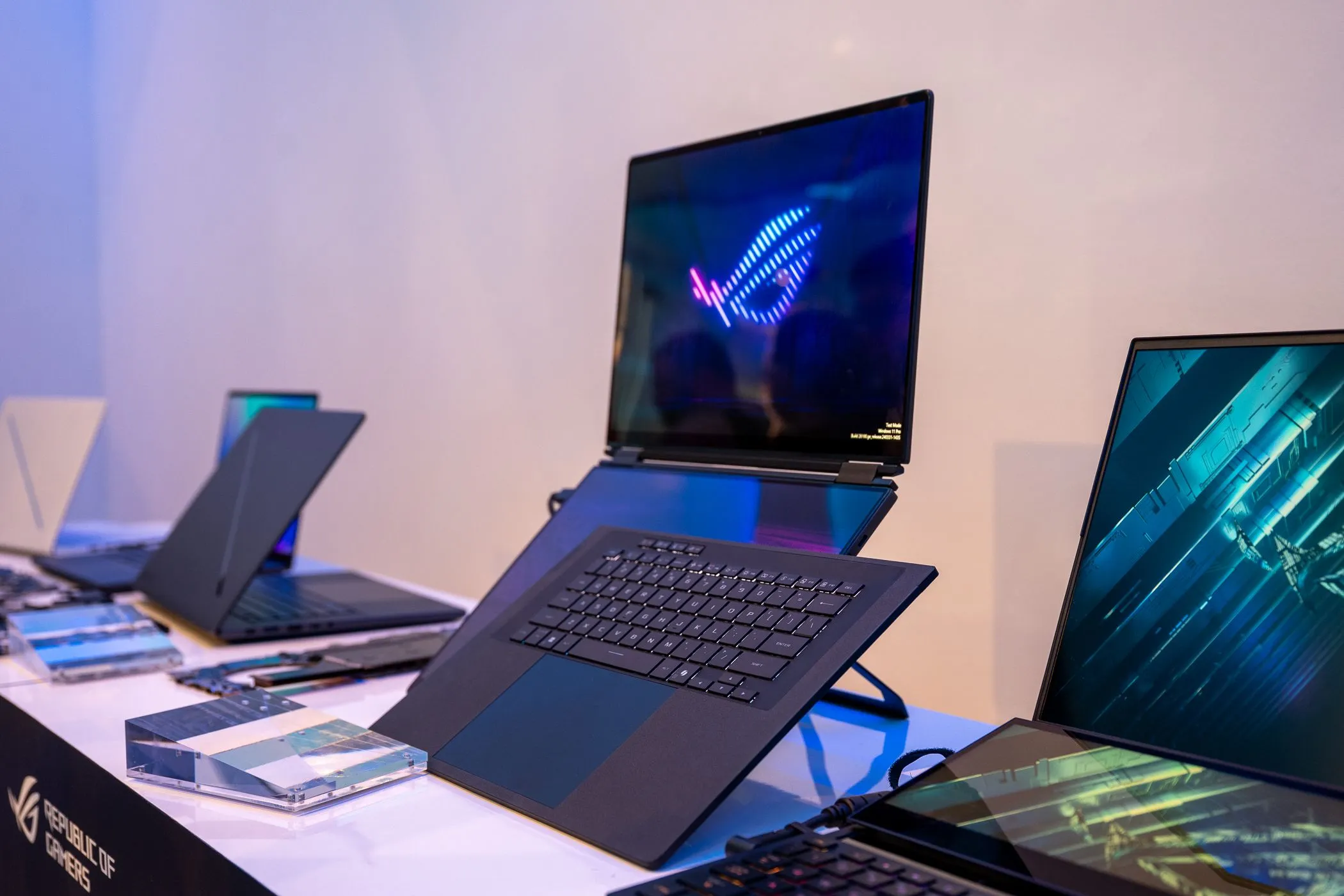
Apple MacBook Air (M4) is my favorite model after trying a great number of new ones this year. It is so thin and light that it can be kept in a backpack. The new M4 chip is super fast. It does not even have a fan; thus, it remains silent in the library!
The HP OmniBook 5 is unbelievable in case you are fond of Windows. It contains a battery that is capable of enduring over 30 hours. Imagine attending school without having to carry your charger for two days! It is indeed a high-end best laptop among college students who have a habit of moving around.
Top-Rated Computers for Students in 2026
| Laptop Model | Best For | Battery Life | Weight |
| Apple MacBook Air (M4) | Best Overall | 18+ Hours | 2.7 lbs |
| HP OmniBook 5 | Longest Battery | 34 Hours | 2.9 lbs |
| Acer Aspire Go 15 | Budget Pick | 12 Hours | 3.9 lbs |
| Lenovo Yoga 9i | 2-in-1 Design | 20+ Hours | 3.0 lbs |
How to Choose the Best Laptop for College Students
Every student is different. An artist requires a different screen than someone studying history. I do always advise my friends to look at their course requirements. There are schools that tell you what to purchase.
Why a Best Laptop for College Students Needs AI Features
We may call it AI Overviews and Generative Engine Optimization in 2026. That may sound like a complicated thing, though it simply means that your laptop will be able to make you think! There is a special component in new computers, known as NPU (Neural Processing Unit). This helps with:
- Live Captions: In case your teacher speaks quickly, the laptop captures what he or she says.
- Background Blur: When you have a messy room in the early morning and you have a Zoom meeting.
- Smart Search: Searching a file by simply describing it, such as, "Give me the paper about space."
Selecting a Reliable Device for Engineering and Science
When you are studying as an engineer, you should be able to require a high-performance laptop. Programs such as CAD or Python will be used. To this, I would recommend at least 16 GB RAM and a high-speed SSD (Solid State Drive). The Dell XPS 14 is also an excellent option in this case, as it is robust and has a stunning OLED display.
Important Features to Check Before Buying
These are the must-have items when searching for the best laptop to use as a college student. I refer to them as the Big Three of student technology:
- Portability: You are supposed to have an ultrabook, which is a lightweight laptop designed for portability. You do not want to carry a garnet in your bag!
- Battery Life: Check to see if it's an all-day battery laptop. A power outlet will not always be available in a busy lecture hall.
- Durability: Life at college is rough. A sturdy metal construction should make your laptop stand a few knocks.
Thinking About the Keyboard and Screen
You will spend hours typing. You require a comfortable keyboard that has backlit keys so that you can have vision during dark hours. Furthermore, a 14-inch screen is often considered the ideal size. It is large enough to view two windows simultaneously yet small enough to fit on such tiny fold-down chairs in classrooms.
Budget Options for Smart Students
I am aware that college is costly. You may be in the market seeking an affordable student laptop that is not that bad. The Acer Aspire Go 15 is a very affordable laptop. It is enormous and much cheaper than a MacBook. Student discounts are also available on websites such as Amazon or Best Buy. Numerous brands will offer you a discount, simply because, as a student, you need it. A laptop with Windows 11 is generally the cheapest computer.
Saving Money with Older Models
But the perfect laptop to use as a college student is sometimes last year's model! In case you do not require the latest AI chips, the MacBook Air M2 is also quite fast and much more affordable. There are many times when I advise my readers to look at refurbished laptops so that they could save even more money.
Exploring the 2-in-1 Laptop World
Do you like to draw? Or perhaps you prefer to turn your laptop upside down and watch films? Then you desire a convertible laptop. My best choice in this category is the Lenovo Yoga 9i. It also has a pen with which you can write notes on the screen. It is an extremely flexible student laptop.
Benefits of a Touchscreen for Learning
You can easily scroll through digital books using a touchscreen. It is more of a tablet but with the force of a true computer. More students discover that they retain more when they type their notes using a screen.
Software You Need to Succeed
Purchasing the most appropriate laptop for college students is only one step. Tools You must also have the right tools inside. Microsoft Office 365 is free in most colleges. This incorporates Word, Excel, and PowerPoint. You should also consider using cloud storage such as Google Drive or iCloud to ensure that you never lose your work in case your laptop is lost.
Staying Safe Online
Do not overlook the issue of cybersecurity. Use a secure password and possibly a VPN in case you access the school's free Wi-Fi. The majority of the new laptops have a fingerprint reader or face unlock that makes it a breeze to stay safe.
How I Test These Laptops
I don't just read the box. I literally carry these laptops to cafes and libraries. The last thing I do is open 50 tabs in Chrome to check whether the computer will slow. I view a 4K film to find out the length of battery time. This field testing is the reason I am able to research with confidence the best laptop to use in college.
Expert Quotes on Student Technology
In 2026, a laptop is not just a tool; it is a student's entire campus. Choosing a machine with an NPU for AI tasks is now as important as having a good keyboard. — Tech Review Expert
The best computer is the one that stays out of your way and lets you focus on your ideas. — Digital Learning Specialist
Summary: My Final Advice
In conclusion, college students need a laptop that is lightweight, fast, and has a long-lasting battery. MacBook Air (M4) is a good buy, but you have to have the cash. The HP OmniBook 5 is the best bet when the Windows experience is required. And in case you are tight and have a budget, the Acer Aspire Go will do.
Do not forget to visit your school site to find out whether they have special rules. Good luck with your studies! I have no doubt that you will do much with your new laptop.
Frequently Asked Questions
1. Which is better, a MacBook or Windows?
It depends on your major! MacBooks are also excellent in terms of battery and creativity. Windows laptops offer more options at varying budgets and are more suitable for playing games. I normally tell them that Windows suits better with business and math majors.
2. What is the minimum RAM required in my studies?
I recommend at least 16 GB RAM. Although 8GB is sufficient for light activities, 16GB will ensure that your laptop remains fast over a long period of time. It assists you to have numerous applications on the go, which is particularly beneficial for multitasking during schoolwork and managing various tasks simultaneously.
3. Do you think I need a touchscreen at school?
A laptop that has a touchscreen is useful when you prefer drawing or writing things down by hand. A standard screen suffices as long as you are typing, and it can help save on battery as well.
4. Which is the most suitable screen size for a student?
The most suitable balance is a 13-inch or 14-inch laptop. It has a large display for viewing your work, yet it is compact enough to fit on a very small desk. It also simplifies the carrying of the laptop.
5. Should I wait for a sale?
Yes! The most appropriate moments to shop are the back-to-school sale in August and Black Friday in November. You can easily save hundreds of dollars.