Let me tell you something funny. My dad still uses a DVD player. Not because he's old school. But because he got so tired of slow menus and frozen screens on his old streaming stick that he just gave up.
I don't blame him. A Bad streaming device can ruin your whole night. You sit down to watch a show. You grab some snacks. And then you wait. And wait. And the little circle just spins on the screen. But here's the good news. You don't have to live like that anymore.
I tested a bunch of the best streaming devices out there. Some cost less than a pizza. Some cost a bit more. But all of them work well. No spinning circles. No rage quitting.
In this guide, I will show you exactly which one to buy. Whether you have a new 4K TV or an old bedroom set. Whether you love Android or just want something simple. Let me break it down for you.
Why You Even Need a Streaming Device
Maybe you think your smart TV is enough. And maybe it is. For now. But here is what I have learned after years of testing these things. Smart TVs get slow. The software gets old. The apps stop updating. And before you know it, your expensive TV moves like a snail.
A good streaming device fixes all that. You plug it in. You forget about it. And it just works for years. Plus, you get all the apps in one place. Netflix, Hulu, YouTube, Disney+, Apple TV, Peacock. Everything.
You may also read :- Best Home Entertainment Systems for an Immersive Experience
Top 10 Streaming Devices at a Glance
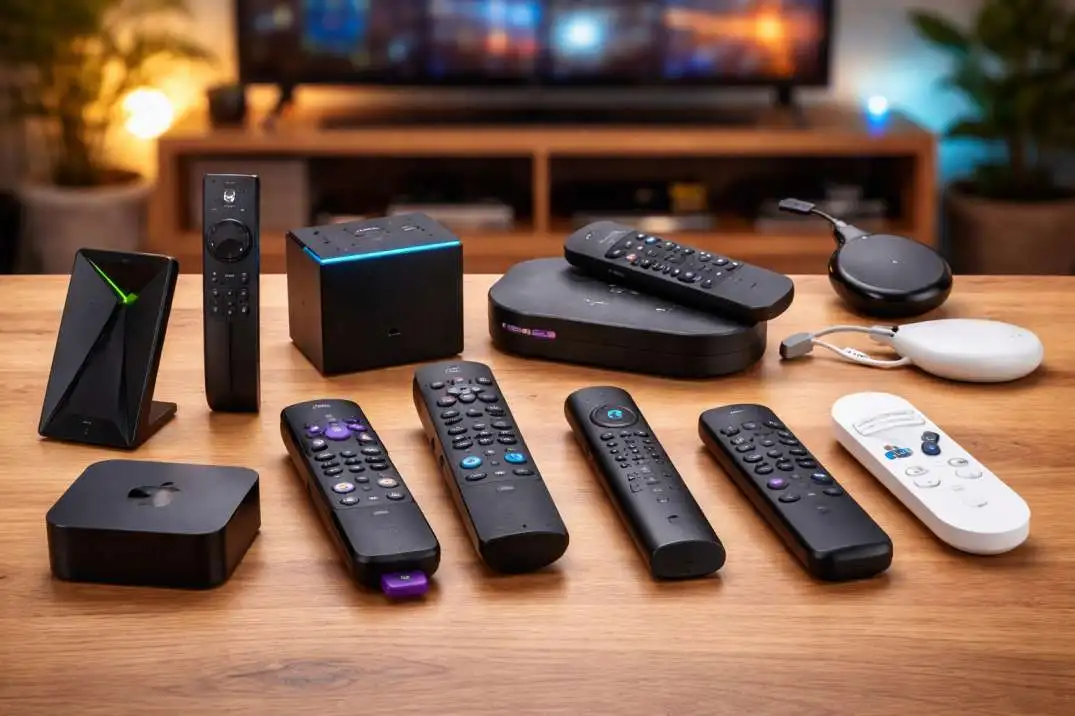
Before we get into the details, here is a quick look at the top 10 streaming devices you can buy right now.
| Device Name | Best For | Price Range | Key Thing You Should Know |
|---|---|---|---|
| Roku Streaming Stick 4K | Most people | $50 | Super easy to use |
| Apple TV 4K | Apple fans | $130 | Fast but pricey |
| Amazon Fire TV Stick 4K | Prime members | $50 | Alexa built in |
| Chromecast with Google TV | Android users | $50 | Great search feature |
| Nvidia Shield TV Pro | Gamers | $200 | Very powerful |
| Roku Express 4K | Budget buyers | $40 | Same great Roku system |
| Amazon Fire TV Stick Lite | Tight budget | $30 | Does the basics well |
| Walmart Onn 4K | Bargain hunters | $20 | Shockingly good for the price |
| TiVo Stream 4K | Cord cutters | $40 | Combines live TV and streaming |
| Xfinity Flex | Comcast customers | $0 | Free for internet users |
Now let me walk you through each type. So you know exactly what to pick.
Roku Streaming Stick 4K: The Best Streaming Device for Most Homes
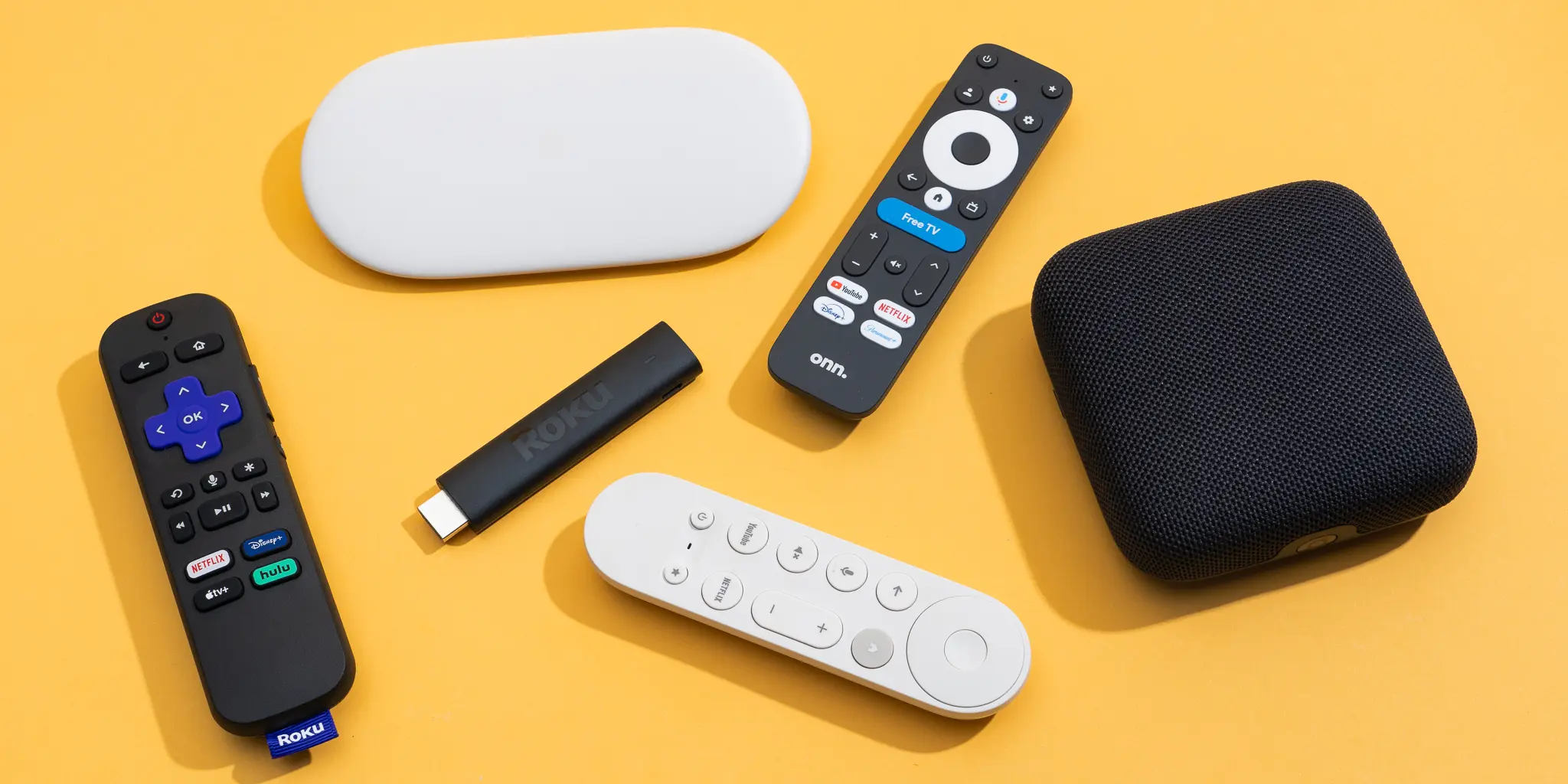
I give this one to my family members. Every single time. Why? Because it just works. The Roku Streaming Stick 4K plugs right into the back of your TV. You do not see it. You do not think about it. You just watch your shows. Here is what makes it so good. The remote is simple. It has a volume button. It has a mute button. It has a few app buttons. That is it. No weird shapes. No touchpad that you accidentally brush.
The home screen does not push ads in your face. Sure, there is one ad on the side. But the main screen just shows your apps. Nice and clean. And the search feature works across all your apps. You type in a movie name. It shows you where to watch it for free or cheap. This alone saves you money. The picture looks great too. This device supports 4K resolution. It supports HDR. And it supports Dolby Vision if your TV has it.
Best Streaming Device for Android Lovers
Now let me talk to my Android people. You want something that plays nice with your phone. Something that lets you cast your screen. Something that feels familiar. The Chromecast with Google TV is your answer.
Google finally made a real interface for this thing. Before, Chromecast had no menus at all. You just casted from your phone. That worked. But it felt weird. Now, the Chromecast has a full home screen. It has apps. It has recommendations. And it has a remote.
But here is the magic part. The search works incredibly well. You ask Google to find a movie. It searches across Netflix, Hulu, Prime, Disney, and more. And it remembers what you like.
Plus, this is the best streaming device for android users because of one simple thing. You can install any app from the Google Play Store. Not just the big streaming apps. But also web browsers. Game emulators. Even weird apps for your security cameras. The remote is small and works fine. Nothing fancy. But the volume buttons are on the side. Some people like that. Some hate it.
Best Audio Streaming Device for Music Fans
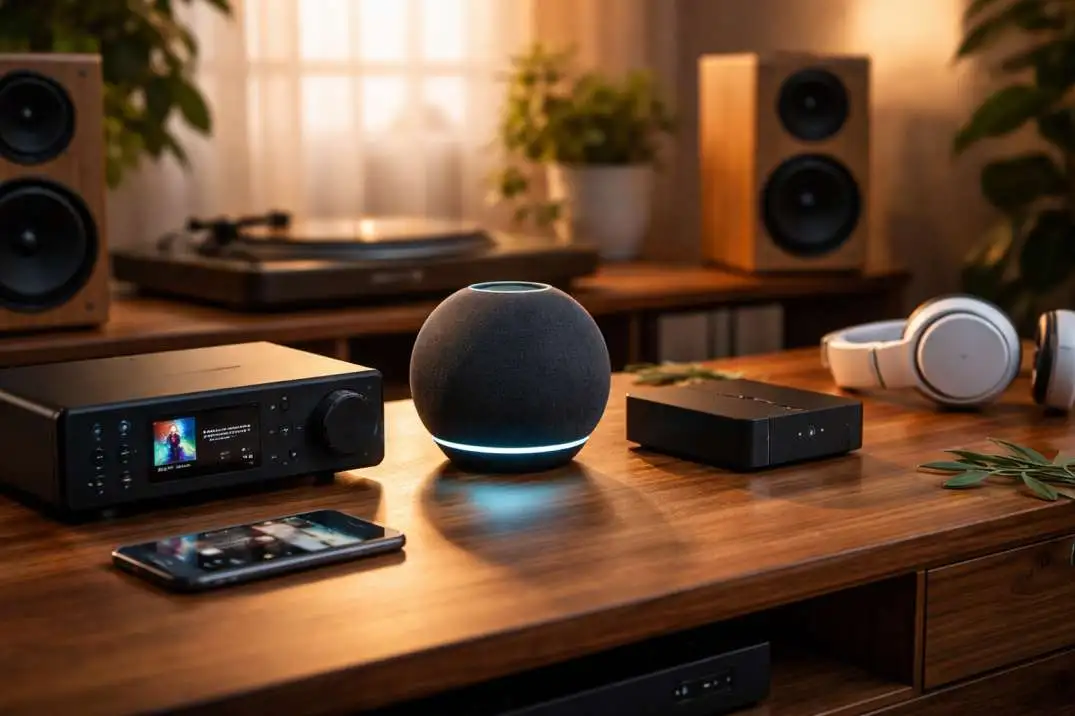
Most people think streaming devices are just for video. But what if you only care about music? Maybe you have a nice speaker system. Or a receiver. Or just a good soundbar. You want to stream high quality music. Not the compressed stuff.
Let me tell you about the WiiM Pro. This is not a normal streaming stick. You do not plug it into your TV. You plug it into your stereo receiver or powered speakers.
Then you can stream music from your phone in crazy good quality. We are talking CD quality. Even higher than CD quality if you have the files. The WiiM Pro supports AirPlay 2 for Apple users. It supports Chromecast for Android users. It supports Spotify Connect and Tidal Connect. It even supports Amazon Music HD.
And here is the cool part. It works as a multi-room system. You can put one in your living room. One in your kitchen. One in your bedroom. And play the same song everywhere. Or different songs in different rooms.
The app is simple. No clutter. No social features you do not want. Just your music and your speakers. For $150, this is the best audio streaming device you can buy. Way cheaper than Sonos. Just as good for sound quality.
Best Multimedia Streaming Devices for Power Users
Okay now we get serious. Most people just want Netflix and YouTube. But some of you have a hard drive full of movies. Or you run a Plex server. Or you want to play games from your computer.
You need more power. You need the Nvidia Shield TV Pro. This thing is a beast. It has 3GB of RAM. It has 16GB of storage. It has a Tegra X1+ processor that still beats almost everything else on the market.
What does that mean for you? First, it plays any video file you throw at it. 4K remux files with huge bitrates. No stutter. No lag. No transcoding needed.
Second, it upscales old content beautifully. Watching an old DVD rip? The Shield makes it look better. Not perfect. But way better than your TV can do on its own.
Third, it works as a Plex server. You plug in an external hard drive. The Shield serves your movies to every TV in your house. No need for a separate computer.
And fourth, it plays games. You can stream games from your PC using GeForce Now. You can play Android games. You can even emulate old consoles like PlayStation and Nintendo 64.
What About Amazon Fire TV?
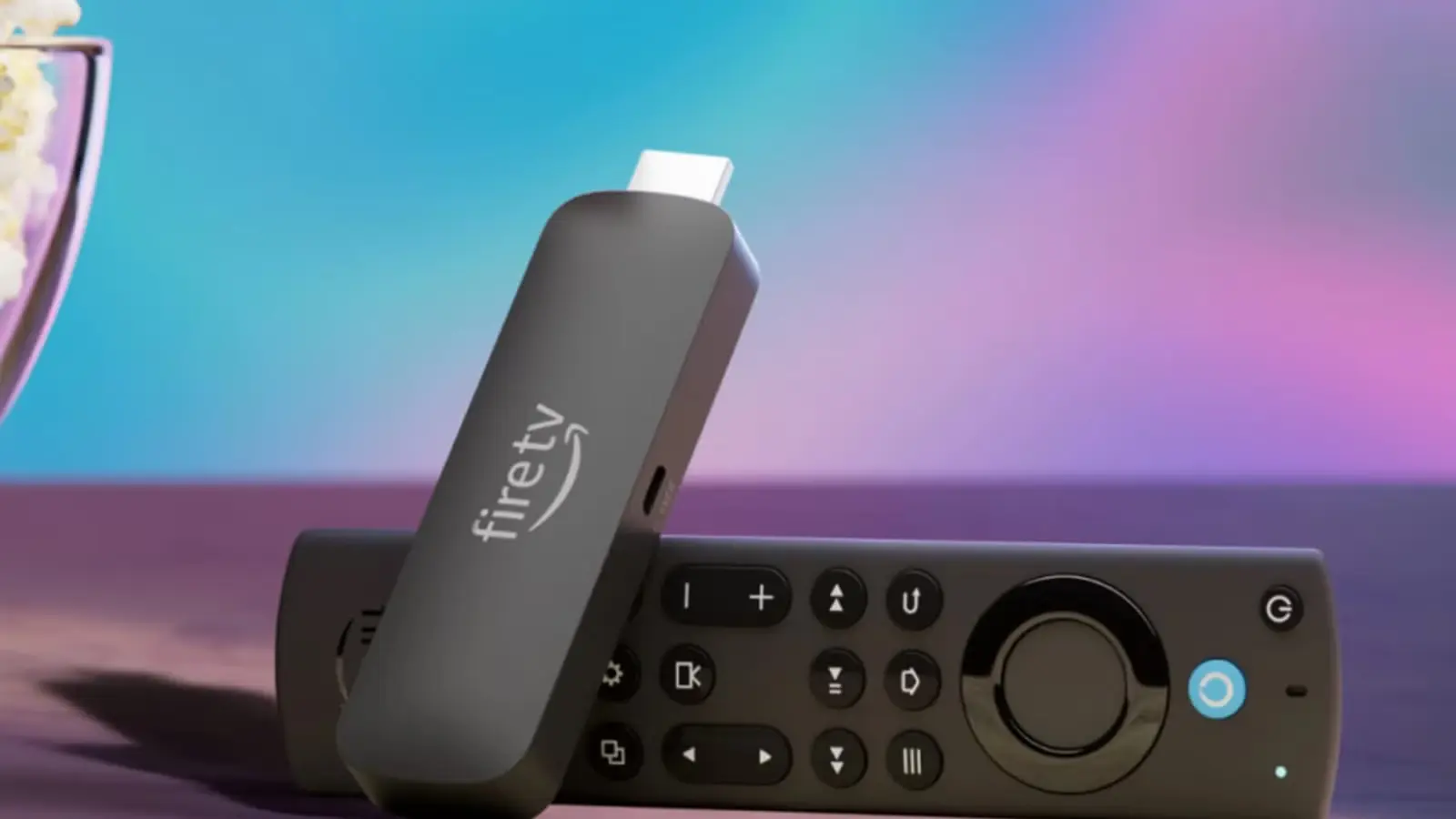
I have to mention Amazon. They sell a ton of these things. The Fire TV Stick 4K is a good device. It is fast enough. The picture looks good. And Alexa is built into the remote. So you can push a button and talk to your TV.
But here is my honest take. The home screen is a mess. Amazon pushes their own content hard. You see Prime Video shows everywhere. Ads take up half the screen. And you cannot change it.
If you live inside Amazon's world? You might not mind. You have Prime. You buy stuff from Amazon. You use Alexa anyway. But for everyone else? The Roku experience is much cleaner.
One thing Amazon does well is the price. The Fire TV Stick Lite costs only $30. That is very cheap. And it works fine for 1080p TVs. So if money is tight, this works. Just know what you are getting. A good device inside a messy interface.
How to Pick the Right One for You
Let me make this simple. Ask yourself three questions.
First, what TV do you have?
- Old 1080p TV? Get the Roku Express or Fire TV Lite.
- New 4K TV? Get the Roku Streaming Stick 4K or Chromecast with Google TV.
Second, what matters most to you?
- Easy to use? Roku Streaming Stick 4K.
- Google and Android? Chromecast with Google TV.
- Apple everything? Apple TV 4K (yes it costs more but works so well with iPhone).
- Music quality? WiiM Pro.
- Power user? Nvidia Shield TV Pro.
Third, how much do you want to spend?
- Under $30? Fire TV Stick Lite or Walmart Onn.
- Around $50? Roku Streaming Stick 4K or Chromecast.
- Under $150? Apple TV HD or WiiM Pro.
- Over $150? Apple TV 4K or Nvidia Shield.
Common Problems and Simple Fixes
Even the best streaming devices have small issues. Here is how to fix them.
Problem: Device keeps freezing.
Fix: Unplug it for 30 seconds. Plug it back in. This fixes 90% of problems.
Problem: Remote stopped working.
Fix: Change the batteries. Then re-pair it. Look up the model online for the exact button combo.
Problem: Picture looks weird or blocky.
Fix: Check your internet speed. You need at least 25Mbps for 4K. Run a speed test on your phone.
Problem: Apps keep crashing.
Fix: Clear the app cache. Go to settings. Find apps. Clear cache. Not storage. Just cache.
Final Thoughts
Here is the truth. You do not need to spend a lot of money. The $20 Walmart Onn works fine for many people. The $50 Roku works great for almost everyone. Do not overthink this. Pick the one that fits your TV and your budget. Plug it in. Watch your shows. That is it.
And if you have an extra $20? Buy a Best streaming device for someone you love. Give it as a gift. It might save them from throwing their remote at the wall. I have seen it happen. It is not pretty.
Get a good streaming device. Keep your walls safe. And enjoy your shows without the spinning circle of death.
Frequently Asked Questions
Which streaming device has the most free channels?
Roku has the most free channels built into their search. You can find free movies and shows from Tubi, Pluto, Freevee, and more all in one place.
Can I use a streaming device on an old TV with no HDMI?
Yes but you need a converter. Most streaming devices use HDMI. If your old TV only has the red, white, yellow plugs, buy an HDMI to AV converter. They cost about $10 on Amazon.
Do streaming devices work with any Wi-Fi?
Yes. But 5GHz Wi-Fi works much better than 2.4GHz. If your device supports 5GHz, use that. Less interference from your neighbor's networks.
Which device works best for someone not good with technology?
Roku. No question. The menus are simple. The remote has few buttons. My 75 year old mother uses one with no help.
Do I need a subscription for each streaming device?
No. The device itself does not need a subscription. But the apps like Netflix and Hulu need their own subscriptions. Some devices like Amazon Fire TV push their own Prime subscription hard. Roku does not.
Can I watch local news on these devices?
Yes. Download apps like NewsON, Local Now, or your local station's app. Many are free. Some need a cable login.